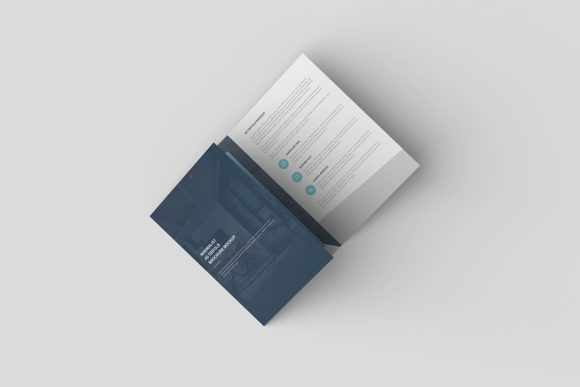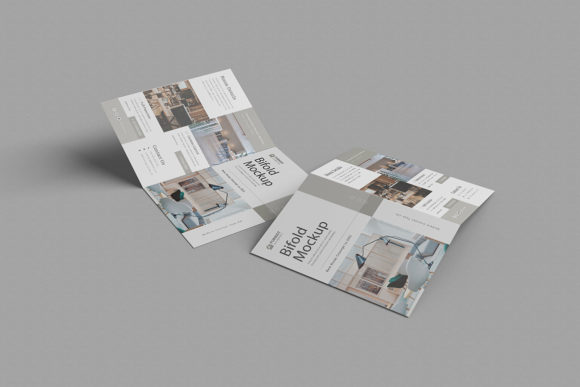
Bifold Brochure Mockup: Realistic Design Preview
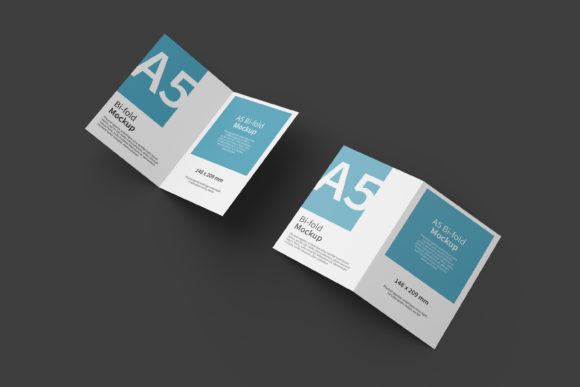
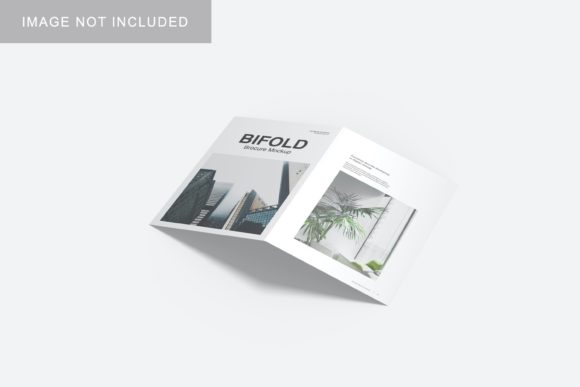
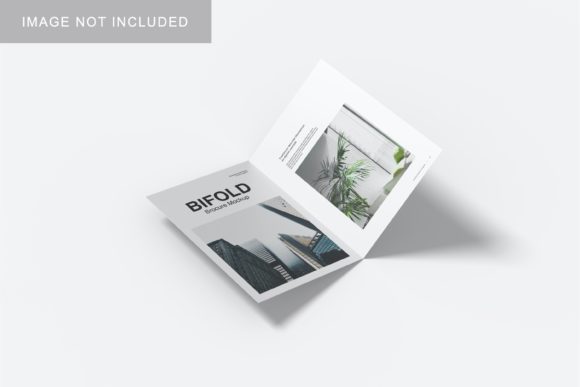
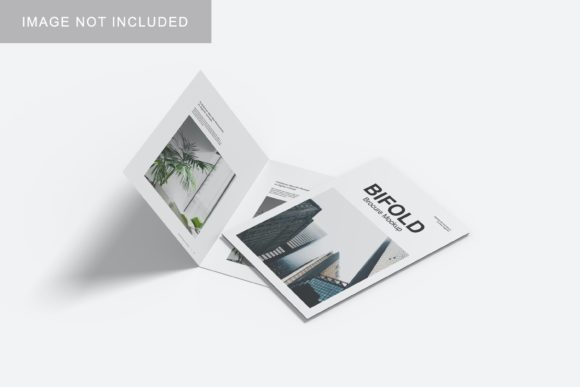
A Bifold Brochure Mockup is a digital template that shows what your printed or digital brochure will look like—folded, styled, and placed in a real-world context. It’s not just a flat image; it’s a smart, layered PSD or Figma file (or sometimes a web-based tool) where you drop in your design and instantly see how it appears on a clean desk, in someone’s hands, or displayed at an event booth. No photography, no staging—just precision, realism, and speed.
Why This Matters—Depending on Who You Are
What makes a Bifold Brochure Mockup useful isn’t universal—it shifts with your role, goals, and experience level. A graphic designer evaluating mockups cares about layer fidelity and lighting control. A small business owner launching a local service cares more about whether the final image looks trustworthy to customers scrolling Instagram. A teacher preparing a classroom handout wants something quick, free, and easy to explain to students. None of these needs are wrong—they’re just different.
For Beginners and Learners
If you’re new to design—or just trying to share your first brochure idea with a client or team—a Bifold Brochure Mockup simplifies communication. Instead of saying “imagine it folded left-to-right with a matte finish,” you show it. Tools with intuitive drag-and-drop interfaces (like some browser-based mockup generators) let you preview layouts in under 60 seconds. No need to master Photoshop layers yet. What matters most here is clarity and confidence: seeing your words and colors land in context helps you spot spacing issues, font legibility at small sizes, or contrast problems before printing.
For Freelancers and Small Business Owners
You likely juggle multiple roles: designer, writer, marketer, and client manager. A Bifold Brochure Mockup saves time across all of them. When pitching a local bakery’s seasonal menu, embedding your layout into a warm, rustic mockup (wood table, soft shadow, natural light) builds instant credibility. Clients don’t buy files—they buy impressions. And because many mockups support smart objects or editable text layers, you can reuse the same scene for five different clients without rebuilding from scratch. Priorities here lean toward speed, professional presentation, and reliability—you need the output to match what you promised, every time.
For Educators and Nonprofits
Classroom handouts, community workshop guides, or volunteer recruitment flyers often live on tight budgets and tighter timelines. A well-chosen Bifold Brochure Mockup helps educators visualize how information flows across panels—does the call-to-action land on the front flap? Is key contact info visible when folded? For nonprofits, showing donors or board members a realistic render (rather than a flat PDF) makes budget requests for print runs feel grounded and justified. Free or low-cost mockups with clear licensing (e.g., CC0 or commercial-use-permitted) matter more than ultra-realistic textures or 3D rotation.
For Experienced Designers and Agencies
You already know how to build mockups from scratch—but doing so for every client revision eats hours. That’s where high-fidelity Bifold Brochure Mockups earn their place. Look for layered PSDs with adjustable shadows, customizable backgrounds, editable fold angles, and accurate bleed/guides baked in. Some include alternate views: top-down, angled shot, handheld, or even subtle motion blur for social posts. Here, flexibility, precision, and integration (e.g., compatibility with your existing Figma library or Adobe CC workflow) outweigh novelty. You’re not buying a picture—you’re buying a repeatable, scalable component of your process.
What to Watch For—Beyond the Preview
A great Bifold Brochure Mockup does more than look nice. Ask yourself:
- Is the fold logic accurate? A true bifold has two panels folding inward—so the front cover, inside left, inside right, and back cover each occupy distinct visual zones. Some templates mislabel these or compress proportions, leading to awkward content placement.
- Can you adjust lighting and perspective? Natural daylight versus studio flash changes how paper texture and ink saturation appear. If your brochure uses spot UV or foil stamping, subtle highlights matter.
- What’s included in the download? Smart object support? Print-ready guides? Multiple color variants (white desk, gray concrete, wood grain)? Bonus assets like matching business card or letterhead mockups?
- Where will you use the output? Social media previews need crisp 1080×1350px exports. Client decks benefit from transparent PNGs. Presentations may require vector-compatible formats or embedded fonts.
Real Examples—How It Fits Your Work
A freelance copywriter uses a minimalist Bifold Brochure Mockup to showcase tone and hierarchy—not design skills. She drops her clean, voice-driven text into the template, adjusts line height in the smart layer, and shares the result with a startup founder who only understands “Does this sound like us?”
A university admissions officer prepares a bilingual open-house brochure. She tests both English and Spanish versions in the same mockup to compare how much space translated text occupies—and confirms the back panel still fits essential QR codes and contact details.
A hobbyist making a zine picks a free mockup with a tactile, slightly imperfect aesthetic—rough paper grain, gentle creases, off-kilter angle—to match the handmade vibe. No need for perfection; authenticity matters more than polish.
A marketing manager at a dental practice cycles through three mockups (clinical white background, friendly waiting-room setting, and a close-up of hands holding the brochure) to test which version gets the strongest click-through in their Facebook ad A/B test.
Does This Fit Your Next Step?
A Bifold Brochure Mockup isn’t necessary for every project—but it becomes valuable the moment your work moves beyond the screen and into someone else’s hands, inbox, or environment. If you’re deciding whether to use one, ask:
- Will the final piece be judged by how it feels in context—not just how it reads on screen?
- Do you need to align stakeholders who don’t speak design fluently?
- Is time spent building realistic previews taking away from writing, strategizing, or refining your message?
If the answer to any of those is yes, then exploring a few well-reviewed Bifold Brochure Mockup options—filtered by your tool (Photoshop, Figma, Canva), license needs, and visual style—is a practical next step. Not as a shortcut, but as a way to extend your intention into the world more clearly.