Business Card Mockup V4: Smarter Visualisation for Real-World Branding
Business cards remain one of the most trusted, tactile touchpoints in professional communication — and yet, designing them well still trips up even experienced creators. That’s where Business Card Mockup V4 steps in: not as a flashy gimmick, but as a refined, production-ready tool built for clarity, realism, and workflow efficiency. It’s more than just a Photoshop or Figma file — it’s a thoughtful response to how designers, small business owners, and marketers actually work today.
What Sets Business Card Mockup V4 Apart
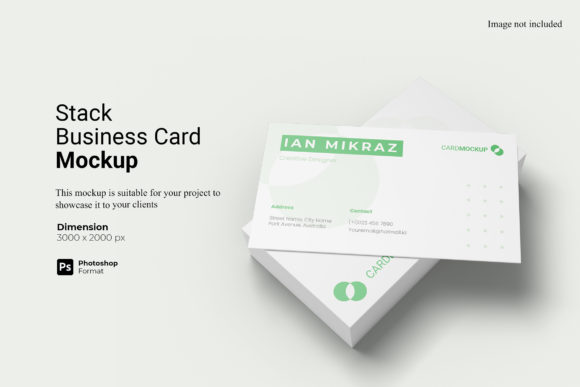
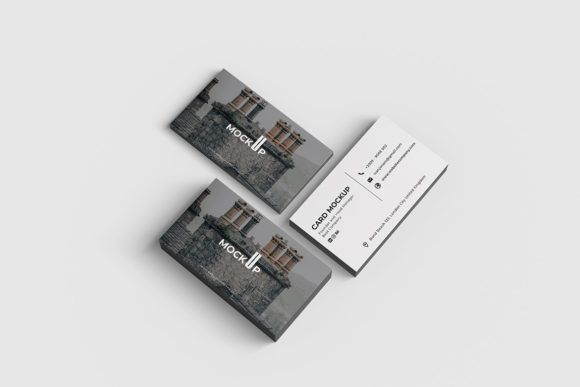
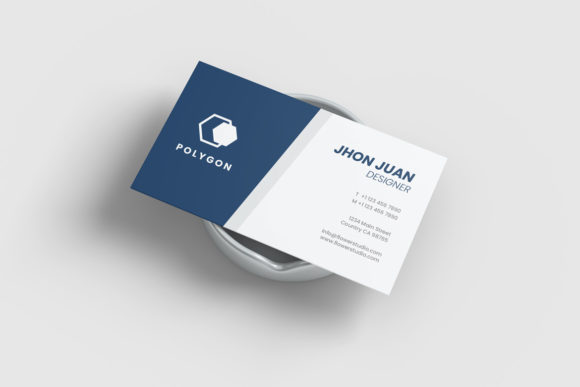
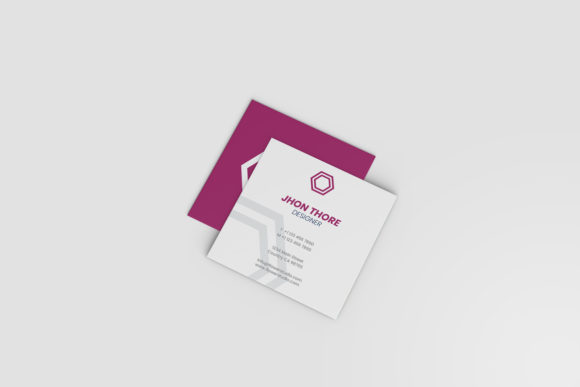
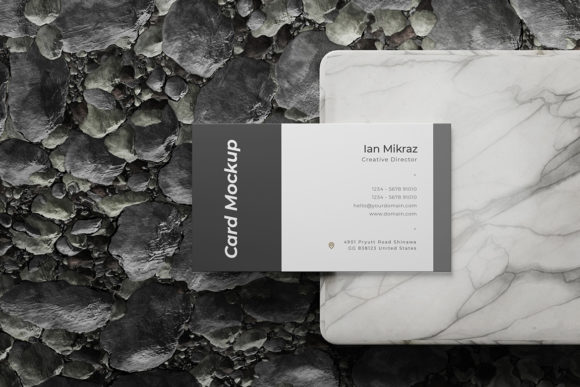
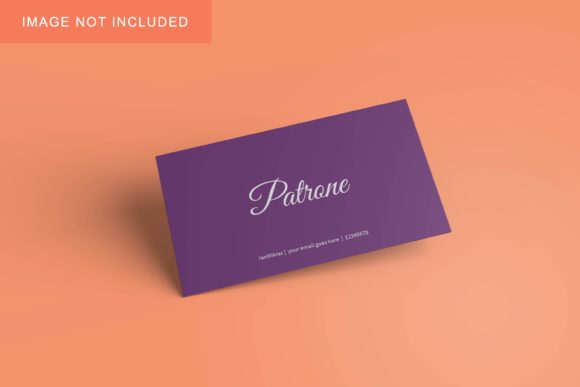
At its core, Business Card Mockup V4 is a layered, editable digital template that renders your card design on realistic physical surfaces — think matte laminate, soft-touch finishes, spot UV textures, or even recycled kraft stock — all with accurate lighting, shadows, and subtle perspective. Unlike earlier versions, V4 includes smart layer naming, non-destructive blending options, and native support for both CMYK and RGB workflows. It also ships with optional bleed guides, crop marks, and real-world scale indicators — features often overlooked in free mockups but essential for print-ready confidence.
Crucially, V4 was developed with feedback from freelancers and in-house designers who juggle multiple clients across industries. One graphic designer in Portland noted how the updated shadow depth settings helped her present mockups to hospitality clients who cared deeply about “how it feels in hand.” Another educator used the mockup to teach branding students how material choice influences perception — pairing the same logo with glossy vs. uncoated variants inside the same file.
Why Realism Matters More Than Ever
Today’s professionals don’t just want to see a flat rectangle with their logo slapped on it. They want to anticipate how a card will sit on a café table, slide into a leather wallet, or hold up after three weeks in a backpack. That expectation stems from broader shifts: the rise of tactile-first branding (especially in wellness, craft, and local service sectors), increased scrutiny of sustainability claims (e.g., “recycled paper” only lands if the texture looks and feels authentic), and tighter client approval cycles that leave little room for revision surprises.
Consider a freelance photographer launching a new portfolio site. She could upload her logo to any generic mockup — but with Business Card Mockup V4, she toggles between a linen-finish variant and a sleek black acrylic version, then shares both with her client via a simple link. The result? Faster alignment, fewer rounds of feedback, and a stronger sense of shared intent before printing begins.
Evolving Alongside Design Tools and Habits
V4 reflects tangible changes in how people create — not just what they create. With Figma now widely adopted for brand systems, the mockup includes an optimized Figma version alongside traditional PSD and Sketch files. Layers are grouped intuitively: “Front Artwork,” “Back Artwork,” “Material Overlay,” and “Environment Lighting” — each labelled clearly and colour-coded for quick navigation. There’s no need to hunt through 30 unnamed layers named “Layer 17 copy 2.”
It also anticipates hybrid workflows. Many users now build assets in Canva or Adobe Express, then refine final layouts in Figma or Photoshop. Business Card Mockup V4 supports this by offering high-res PNG exports at exact print dimensions (3.5 × 2 in), so you can drop your final artwork directly into the mockup without scaling guesswork. No more blurry edges or cropped corners due to mismatched DPI.
Practical Use Cases Across Roles
- Freelancers: Package your logo design deliverables with three realistic card variations — standard, premium, and eco-friendly — to help clients visualise value tiers without needing custom illustrations.
- Small business owners: Test how your new font pairings look under natural light simulation before committing to 500 printed copies. Adjust contrast or spacing in real time — no re-uploading to online generators.
- Educators and trainers: Use the included “Before/After” toggle layers to demonstrate typography hierarchy, colour contrast compliance (WCAG AA), or layout breathing room — all within a single, shareable file.
- Marketing teams: Embed mockup previews directly into Notion or Confluence pages when briefing print vendors, reducing miscommunication around finish specifications like “soft-touch laminate with edge rounding.”
Not Just for Print — A Bridge to Digital Contexts
While rooted in physical media, Business Card Mockup V4 quietly supports digital-first habits too. Its clean, scalable structure makes it easy to repurpose for social bios, email signatures, or even AR-enabled business card apps. Some users export individual card angles as GIFs to show motion in LinkedIn posts (“Here’s how our new brand comes to life — front, back, and side view”). Others use the environment layer to composite their card onto real photos — say, resting beside a laptop in a home office shot — for cohesive content libraries.
This flexibility matters because branding isn’t siloed anymore. A café owner might order 200 printed cards, but also needs matching visuals for Instagram Stories, Google Business updates, and a QR code landing page. Business Card Mockup V4 doesn’t replace those tools — it anchors them with consistency.
Realistic Expectations, Real Workflow Gains
It’s worth noting what Business Card Mockup V4 doesn’t do: it won’t auto-generate your logo, suggest Pantone matches, or integrate with your CRM. It’s intentionally focused — a precision instrument, not an all-in-one suite. That focus is its strength. Users report saving an average of 12–18 minutes per card project simply by avoiding manual shadow creation, perspective warping, or trial-and-error lighting adjustments.
One Toronto-based UX writer uses V4 to prep “brand moment” slides for stakeholder presentations — showing how a new voice-and-tone guide translates into tangible artefacts. “I’m not selling a design,” she explained. “I’m selling recognition. When someone sees the card mockup and says, ‘Yes — that’s exactly how I imagined it,’ that’s the moment trust clicks into place.”
Choosing the Right Version for Your Needs
If you’re evaluating mockups, consider how much control you need versus how much time you have. Free resources often sacrifice accuracy for convenience — blurry reflections, inconsistent lighting, or outdated stock photography backgrounds. Older premium mockups may lack modern file organisation or assume deep Photoshop expertise. Business Card Mockup V4 sits in the middle: accessible enough for beginners learning Figma, robust enough for studio leads managing brand rollouts.
Its documentation is concise but specific — no vague “drag and drop” instructions. Instead, it walks through real scenarios: “To simulate foil stamping, apply your artwork to the ‘Foil Layer’ and adjust opacity to 75% for subtle lift,” or “For dark-mode preview, toggle the ‘Ambient Light’ layer and reduce brightness by 10%.” These small, actionable notes reflect an understanding that users aren’t looking for theory — they’re solving a problem before lunch.
A Tool That Grows With You
What makes Business Card Mockup V4 feel enduring isn’t novelty — it’s adaptability. As remote collaboration becomes standard, its cloud-friendly file sizes and cross-platform compatibility matter more than ever. As sustainability moves from buzzword to requirement, its expanded material library helps communicate responsible choices visually — not just verbally. And as AI-assisted design tools mature, V4 provides a reliable human-centred anchor: a place where intention, texture, and context remain firmly in your hands.
In short, Business Card Mockup V4 doesn’t try to predict the future of business cards. It meets today’s needs with quiet competence — helping professionals present their best selves, one credible, considered detail at a time.