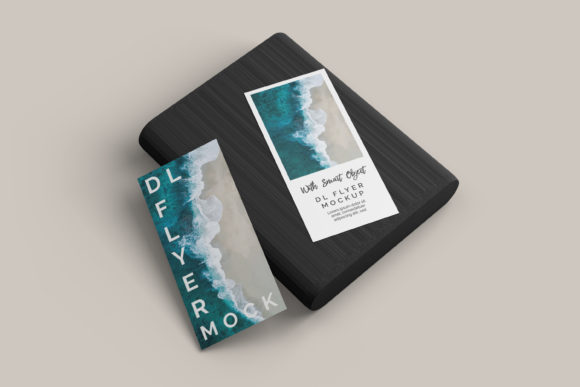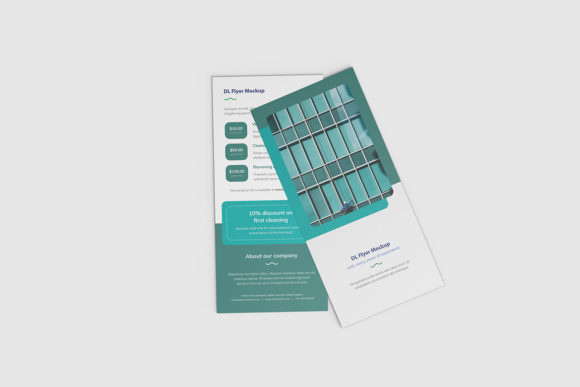
Top View DL Flyer Mockup
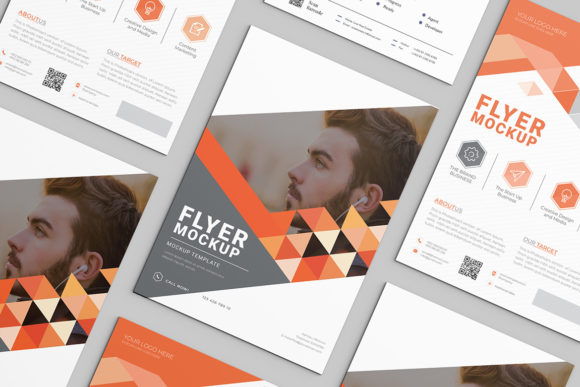
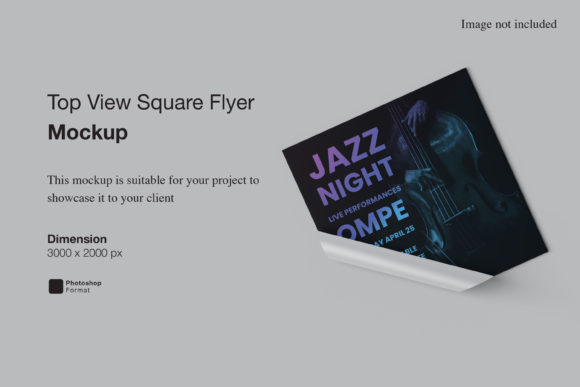
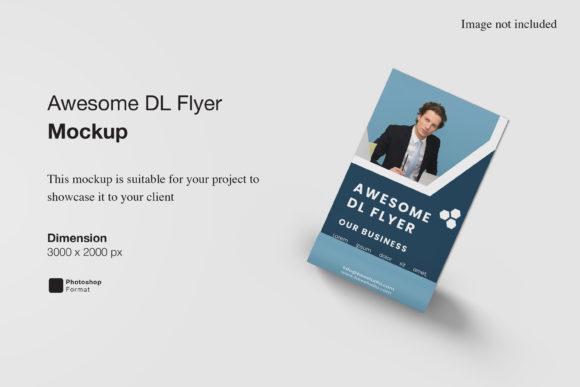
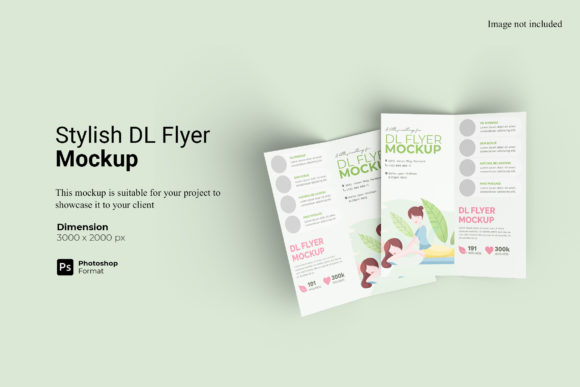
A Top View DL Flyer Mockup is a realistic, editable digital template that shows a DL-format flyer (210 × 99 mm) photographed or rendered from directly above — like looking down at it resting on a clean surface. It’s not just a flat background; it includes subtle shadows, texture, lighting, and depth to simulate how your design would appear in real-world contexts: on a café table, a retail counter, or a stacked marketing display. These mockups are typically built for Photoshop, Figma, or compatible editors — letting you replace the smart layer with your own artwork while preserving perspective, lighting, and material realism.
Why This Perspective Matters — Especially for DL Flyers
The top-down angle isn’t just aesthetic. DL flyers are designed for quick scanning — often placed face-up where people glance down: at reception desks, event booths, or sandwich boards. A top view mockup mirrors that natural line of sight, helping designers and clients visualize hierarchy, white space, and visual flow *as intended*. Unlike angled or handheld mockups, it removes distortion and emphasizes layout integrity — critical when every millimeter counts in a narrow, vertical format.
Beginners & Hobbyists: Simplicity Over Complexity
If you’re new to design or building your first local promotion — say, a weekend pottery workshop or neighborhood plant sale — a Top View DL Flyer Mockup offers instant polish without needing advanced skills. You paste your text and logo into the smart layer, adjust brightness if needed, and export. No need to understand lighting models or perspective grids. What matters most here is speed, clarity, and zero frustration. Look for mockups with clear instructions, one-click layer replacement, and JPEG/PNG previews so you can preview before downloading.
Freelancers & Small Business Owners: Credibility in Client Presentations
When pitching to a bakery owner or yoga studio, showing your flyer design inside a realistic top-view scene builds trust faster than a blank PSD layer. A well-chosen Top View DL Flyer Mockup signals professionalism — especially when paired with context: a wooden tabletop, soft linen backdrop, or minimalist concrete surface. For these users, presentation quality and brand alignment matter more than editing depth. You might choose a mockup with warm tones for a wellness client, or crisp white space for a tech startup newsletter.
Marketers & Content Creators: Consistency Across Campaigns
DL flyers often anchor multi-channel campaigns — paired with Instagram posts, email headers, or printed door hangers. Using the same top-view mockup style across assets creates visual continuity. Marketers appreciate mockups with consistent lighting direction and neutral backgrounds that let their brand colors shine. Flexibility also helps: some creators prefer layered PSD files to tweak shadow intensity or add subtle paper grain; others rely on Figma versions to swap variants quickly during A/B testing.
Educators & Nonprofits: Clarity and Accessibility First
For a community center announcing free ESL classes or a university department sharing event details, readability is non-negotiable. A top-view mockup helps spot legibility issues early — like font size against background texture, or contrast loss under soft lighting. Educators often prioritize mockups with high-resolution previews, clear typography zones, and optional accessibility overlays (e.g., contrast checkers embedded in the file notes). They rarely need animation or 3D rotation — just honest, uncluttered representation.
Print Professionals & Design Agencies: Precision Meets Practicality
Agencies preparing final proofs for commercial print may use Top View DL Flyer Mockups as part of their handoff package — but only if the mockup reflects real-world constraints. That means accurate bleed guides, CMYK-safe layers, and realistic paper texture (matte vs. glossy). Here, technical fidelity outweighs visual flair. A mockup with embedded crop marks, PPI notes, and embedded ICC profiles adds tangible value — especially when clients ask, “Will this look like the mockup once printed?”
What to Check Before You Use One
- File compatibility: Does it work in your editor? Photoshop (.PSD) remains most common, but Figma (.FIG), Sketch, and even Canva-compatible versions are growing.
- Smart layer behavior: Does the placeholder update cleanly when resized? Test with your actual artwork — some mockups stretch logos awkwardly or clip text near edges.
- Lighting consistency: If you’re using multiple mockups (e.g., top view + desk view), do highlights fall from the same direction? Inconsistent lighting breaks visual cohesion.
- Licensing clarity: Most free mockups allow personal and commercial use, but always verify. Some restrict resale of derivative designs — important if you’re bundling flyers into a paid template pack.
Real Examples — How It Fits Real Work
A freelance graphic designer uses a Top View DL Flyer Mockup to show three layout options to a local bookstore — each with different headline placement and image cropping. The top-down view makes it easy for the client to compare visual weight without getting distracted by angles or shadows.
An educator launching a summer coding camp drops her flyer into a mockup with a light oak surface and soft natural light. She shares the result in a parent newsletter — no explanation needed. Parents instantly recognize it as something tangible they’d see on a school bulletin board.
A solopreneur selling handmade candles pairs the same DL flyer design across two mockups: one top-view on marble (for Instagram), one angled on a shelf (for her website banner). The shared design anchors both — the top view keeps messaging sharp and scannable.
Does It Fit Your Next Project?
Ask yourself:
- Is your flyer meant to be seen face-up, in places where people look down? (Yes → top view is likely ideal.)
- Do you need to convey realism and context fast — without staging a photo shoot? (Yes → a high-quality mockup saves hours.)
- Are you sharing with others who care about tone, texture, or presentation — not just layout? (Yes → lighting and surface matter more than you think.)
- Do you have tools to edit layers, or do you need something drag-and-drop ready? (Match the mockup’s complexity to your workflow — not your ambition.)
A Top View DL Flyer Mockup won’t replace thoughtful design — but it does give your work grounded, shareable, and human-centered context. Whether you’re sketching your first idea or delivering final assets to a Fortune 500 client, the right mockup bridges intention and impression — quietly, efficiently, and without fanfare.