Top View Flyer Mockup: A Practical Tool for Realistic Presentation
When you're preparing a flyer for print or digital distribution, seeing how it will actually look in context makes all the difference. That’s where the Top View Flyer Mockup comes in—not as a design tool, but as a presentation bridge between concept and reality. Unlike flat previews or generic templates, this mockup offers a grounded, overhead perspective that mimics how a real flyer rests on a surface: slightly angled corners, subtle shadows, natural lighting, and realistic texture. It’s not about flashy effects—it’s about credibility, clarity, and confidence in your final output.
What Exactly Is a Top View Flyer Mockup?
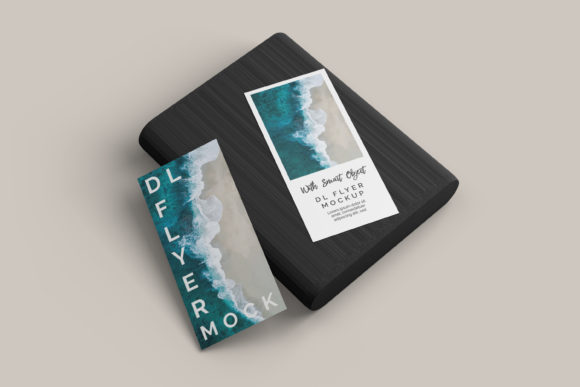
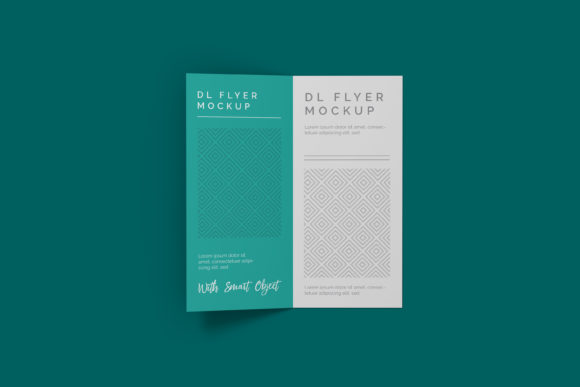
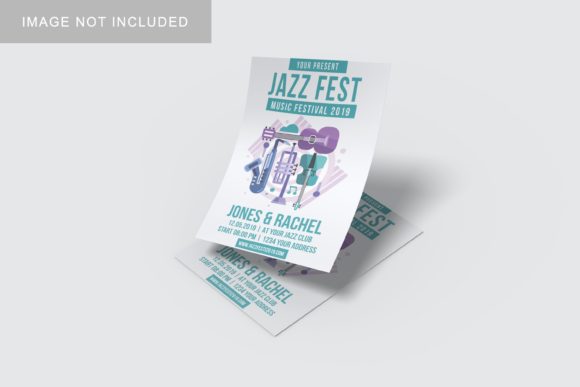
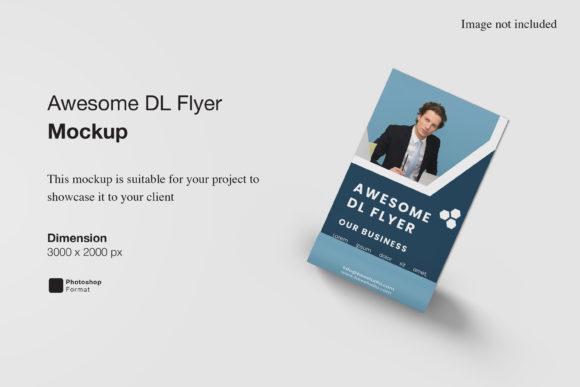
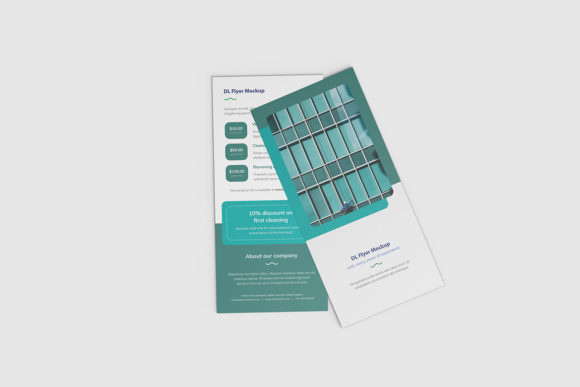
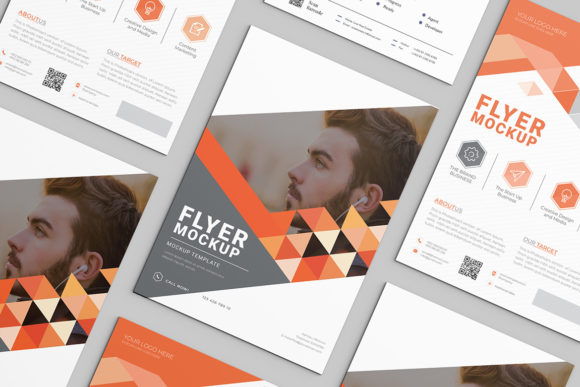
A Top View Flyer Mockup is a pre-designed, high-resolution Photoshop (or compatible) file that simulates a flyer lying flat on a tabletop, desk, or countertop—viewed from directly above or with a gentle downward tilt. It includes smart layers, meaning you can replace the placeholder artwork with your own design in seconds, while retaining realistic lighting, shadows, depth, and surface interaction.
Think of it like slipping your flyer into a real-world scene—no photography, no staging, no studio rental needed. The mockup handles the visual context so your design speaks for itself.
Key Characteristics That Set It Apart
- Natural perspective: Captures the slight curvature of paper edges and soft drop shadows—avoiding the “floating” look common in basic overlays.
- Surface realism: Often includes textures like wood grain, marble, concrete, or matte white desktops—adding environmental authenticity.
- Lighting consistency: Directional light sources create believable highlights and gradients across the flyer surface.
- Smart object compatibility: Works seamlessly with Adobe Photoshop and increasingly with Figma and Affinity Photo via layered export options.
- Resolution-ready: Most quality versions are delivered at 4000×3000 px or higher—suitable for web portfolios, client presentations, and even printed marketing materials.
Who Benefits—and Why?
The value of the Top View Flyer Mockup isn’t limited to one role. Its usefulness scales across experience levels and use cases:
Small Business Owners & Local Marketers
If you’re promoting a weekend sale, community event, or service launch, showing a flyer “in place” helps stakeholders visualize impact. A café owner sharing a new menu flyer on social media gains more trust with a clean top-down shot on a rustic table than a plain JPEG against white background.
Freelance Designers & Agencies
Clients rarely see design in isolation—they imagine it in context. Presenting three layout options inside different top-view mockups (e.g., on a sleek office desk vs. a sunlit patio table) invites more meaningful feedback and faster approvals.
Educators & Nonprofits
When applying for grants or reporting outreach efforts, a photo of an actual flyer in use isn’t always possible—or ethical (due to privacy). A well-chosen Top View Flyer Mockup conveys professionalism without compromising confidentiality.
Students & Emerging Creatives
Building a portfolio? Context matters. A series of flyers shown consistently in top-down mockups signals intentionality, attention to presentation, and understanding of real-world application—not just software proficiency.
Where You’ll Use It (Beyond the Obvious)
While commonly seen in Behance galleries or Dribbble shots, the Top View Flyer Mockup shines in less obvious places too:
- Social media posts: Instagram carousels, Facebook event announcements, or LinkedIn project showcases benefit from cohesive, contextual visuals.
- Client proposals: Embedding a mockup into a PDF pitch document demonstrates how the flyer fits into broader branding—before printing begins.
- Print production checks: Overlaying your CMYK-converted design onto a mockup helps spot contrast issues or legibility problems at smaller sizes.
- Classroom instruction: Instructors use them to demonstrate layout hierarchy, margin balance, and visual weight—without needing physical samples.
- UX documentation: When mapping customer touchpoints, a top-down flyer image can represent a physical handout step alongside digital interactions.
Strengths—And Honest Considerations
No tool is universal—and understanding both sides helps you decide when the Top View Flyer Mockup is right for your needs.
Why It Works Well
- Speed: Replace artwork in under 30 seconds—ideal when juggling multiple clients or tight deadlines.
- Consistency: Maintain uniform lighting, angle, and surface across a campaign’s suite of collateral (flyers, postcards, brochures).
- Accessibility: No need for photography skills, studio space, or expensive gear—just your design and the mockup file.
- Adaptability: Many versions include alternate color schemes, shadow intensity sliders, or even editable surface textures.
What to Keep in Mind
- Not a substitute for proofing: While helpful for visual context, it won’t reveal paper stock texture, ink bleed, or trim accuracy—always order a physical proof before bulk printing.
- File format limits: Native PSD files offer full control—but if you rely solely on Canva or Google Slides, look for PNG-based mockups with transparent layers (though these lack smart-object flexibility).
- Style alignment matters: A flyer promoting eco-friendly services may feel out of place on a glossy black marble surface. Choose mockups whose tone matches your brand’s voice and audience expectations.
- Licensing scope: Free downloads often restrict commercial use. Always check license terms—especially if sharing mockup-rendered images with clients who’ll repurpose them.
Real-World Scenarios: How It Adds Value
Scenario 1: A local yoga studio launches a summer workshop series. Instead of sending a plain PDF flyer to neighborhood bulletin boards, they render it using a Top View Flyer Mockup placed on a bamboo mat beside a folded towel and eucalyptus sprig. The result feels intentional, serene, and on-brand—leading to a 22% increase in sign-ups from that channel.
Scenario 2: A university admissions team refreshes its open house flyer. Rather than presenting flat layouts in a committee meeting, they show three variants inside identical top-down mockups on a modern library desk. Stakeholders immediately spotted readability issues in one version due to font contrast against the woodgrain—fixing it before printing 5,000 copies.
Scenario 3: A freelance graphic designer includes a “Presentation Kit” with every flyer project—featuring the final design in three Top View Flyer Mockup variations (desk, café table, community center bulletin board). Clients report feeling more confident sharing the assets internally because they “already look finished.”
Choosing the Right Top View Flyer Mockup for Your Needs
Start by asking three questions:
- What’s my output goal? For social media: prioritize crisp shadows and clean backgrounds. For client decks: choose mockups with subtle branding cues (e.g., minimalist desk accessories). For print prep: ensure the file supports high-res export without pixelation.
- What tools do I use regularly? If you work primarily in Figma, seek mockups with layered SVG exports or well-documented PNG kits. Photoshop users should verify smart object support and layer organization.
- Does it reflect my audience’s world? A tech startup’s flyer might land better on brushed aluminum than weathered brick. Match surface and lighting to where your audience expects to encounter the flyer—in person.
Finally—don’t overcomplicate it. A single, well-executed Top View Flyer Mockup used consistently builds recognition and trust far more than rotating through ten different styles.
Final Thought: Context Is Quiet Confidence
In a world saturated with digital noise, how something appears—even in preview form—shapes perception before a word is read. The Top View Flyer Mockup doesn’t change your message. It simply gives it grounded, respectful space to be seen as it would be in the real world: tangible, considered, and ready.
Whether you’re handing off a design, pitching an idea, or building your first portfolio, that quiet confidence—earned through thoughtful presentation—is never wasted.