Realistic DL Flyer Mockup: A Practical Guide to Choosing and Using It Well
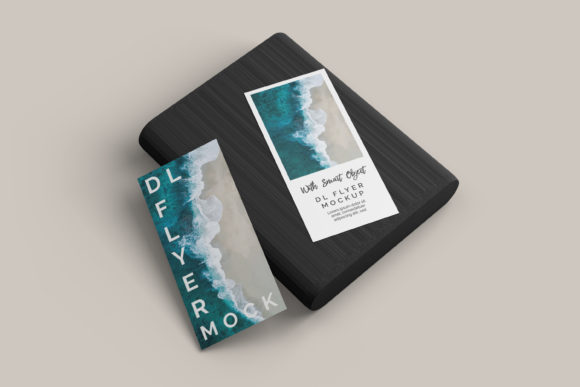
If you've ever designed a flyer only to wonder how it’ll truly look in the real world—on printed paper, held in someone’s hand, or displayed at a local café—you’re not alone. That’s where a Realistic DL Flyer Mockup comes in: a digital template that simulates how your design appears in physical context, complete with lighting, texture, shadows, and subtle imperfections that mimic real-world materials like matte paper, recycled stock, or laminated finishes.
It’s more than just a “pretty preview.” A well-crafted Realistic DL Flyer Mockup helps designers, marketers, educators, and small business owners communicate ideas clearly, pitch services confidently, and avoid costly reprints by catching layout or color issues before production. But here’s what many overlook: not all mockups deliver realism—and using the wrong one can mislead more than inform.
Common Missteps—and Why They Matter
Mistake #1: Assuming “realistic” means “photorealistic.” Some creators download mockups labeled “realistic” only to discover they’re flat, overly sharp, or lit unnaturally—like a flyer floating in a studio vacuum. That kind of mockup fails at its core purpose: showing how text alignment, bleed, or contrast behaves under ambient light or when viewed at arm’s length. The result? A design that looks polished on screen but feels off in print—crowded margins, faint body copy, or logos that vanish against textured backgrounds.
Mistake #2: Ignoring file compatibility and layer structure. Many Realistic DL Flyer Mockups come as layered PSD or Sketch files—but not all are organized intuitively. You might spend 20 minutes hunting for the correct smart object layer, only to realize the shadow isn’t editable or the background is rasterized. Worse, some free downloads embed watermarks deep in layers or use non-standard color profiles (like RGB-only), leading to unexpected shifts when prepping for CMYK print.
Mistake #3: Overlooking usage rights—especially for client work. A mockup used in a portfolio is one thing. Using the same mockup to present a logo redesign to a paying client—without checking the license—is another. Some licenses prohibit commercial presentation or require attribution even in pitch decks. That oversight can raise legal questions or undermine your professionalism before you’ve even shared your first slide.
What to Check Before You Download or Buy
Before committing—even to a free Realistic DL Flyer Mockup—take 60 seconds to verify these three things:
- Lighting and perspective: Does the mockup show natural fall-off (e.g., softer shadows near edges, slight vignetting)? Avoid ones where every corner is equally bright—it rarely reflects how people actually hold or view flyers.
- Editable layers and documentation: Look for clear layer naming (“[Your Design] – Smart Object,” “Background Texture,” “Drop Shadow”) and a brief README. If the file opens with 47 unnamed layers and no instructions, move on.
- Licensing clarity: Reputable sources (like Envato Elements, Creative Market, or verified Dribbble designers) state usage terms plainly. If the description says “for personal use only” or “not for client presentations,” respect that boundary—or choose an alternative with extended rights.
Better Alternatives and Smarter Habits
Instead of chasing the “most realistic” mockup, focus on the *most appropriate* one for your goal. For example:
- If you’re pitching a wellness workshop to a community center, choose a Realistic DL Flyer Mockup shot on recycled kraft paper with warm indoor lighting—not glossy white stock under harsh studio lights. It aligns with your brand’s tone and sets accurate expectations.
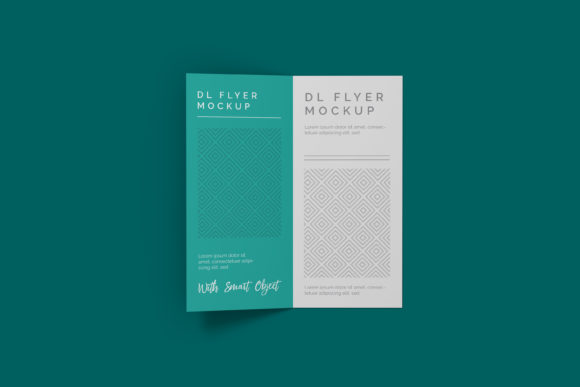
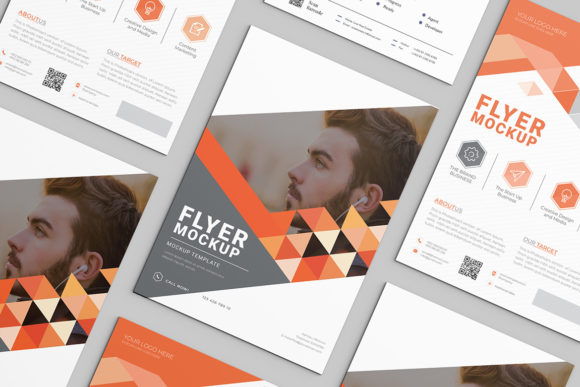
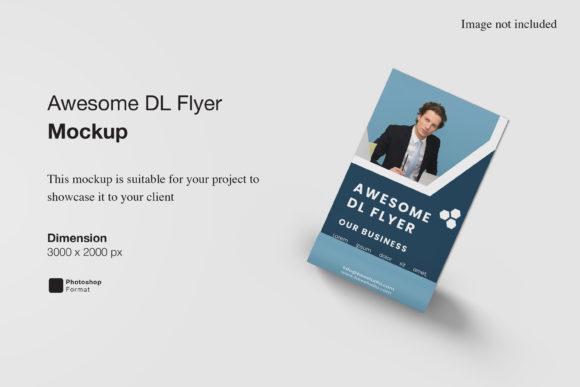
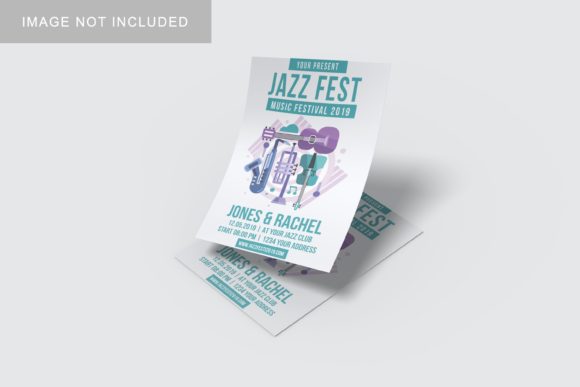
- If you’re a freelancer building a portfolio site, use a mockup that includes multiple angles (front, slight tilt, side-on desk view). One static front-facing image rarely conveys depth or context as effectively.
- If you’re new to mockups entirely, start with a free, well-documented option from a trusted educator (like a design instructor on YouTube or a verified GitHub repo). Try customizing it with placeholder text and grayscale images first—no need to perfect typography before testing how your layout breathes in context.
And remember: realism isn’t about perfection—it’s about honesty. A slightly crumpled corner, gentle paper grain, or soft shadow under the fold line doesn’t mean the mockup is low quality. In fact, those details often build trust faster than a sterile, over-polished render.
How Realistic DL Flyer Mockup Fits Into Your Workflow—Without Slowing You Down
Think of a Realistic DL Flyer Mockup as a bridge—not a destination. It shouldn’t replace proofing with a physical print (always do one if budget allows), but it *can* reduce how many rounds of physical proofs you need. Use it early, not late: drop your draft layout into the mockup after your first revision, not your fifth. That way, you spot spacing issues before fine-tuning kerning—and catch color contrast problems before finalizing fonts.
Also consider pairing it with simple tools you already use. For instance, paste your mockup preview into a Google Slides deck alongside a short note: “This shows how the flyer reads at 1m distance in daylight.” That small addition turns a visual into clear communication—especially helpful for non-design stakeholders like school admins, event coordinators, or freelance clients who may not know terms like “bleed” or “safe zone.”
A Final Note on Value
A high-quality Realistic DL Flyer Mockup isn’t an expense—it’s risk mitigation. Spending $12 on a well-structured, licensed mockup saves far more than that in time, rework, and credibility. But value isn’t just monetary. It’s the confidence to say, “Here’s exactly how this will land”—and mean it. It’s knowing your audience sees your idea as it lives in the world, not just inside your design software.
So next time you search for a Realistic DL Flyer Mockup, skip the flashiest thumbnail. Look instead for thoughtful details: consistent lighting, transparent licensing, and layers that behave predictably. That’s where realism—and reliability—begin.