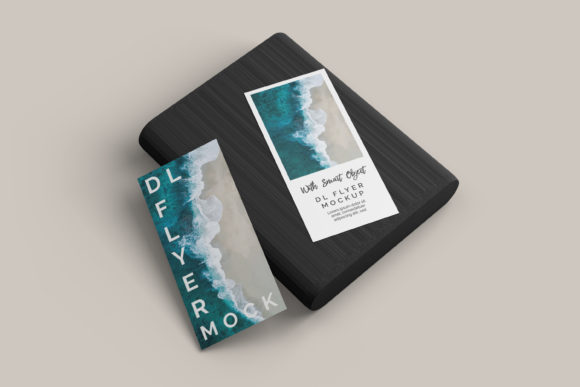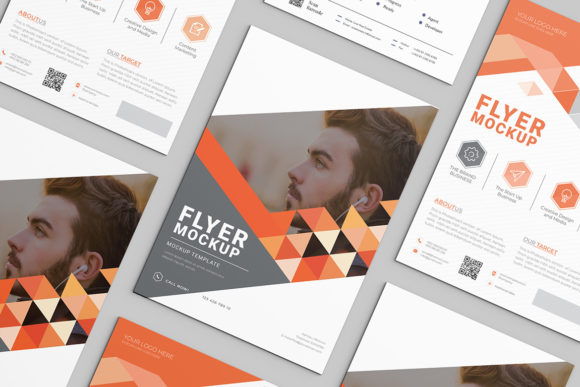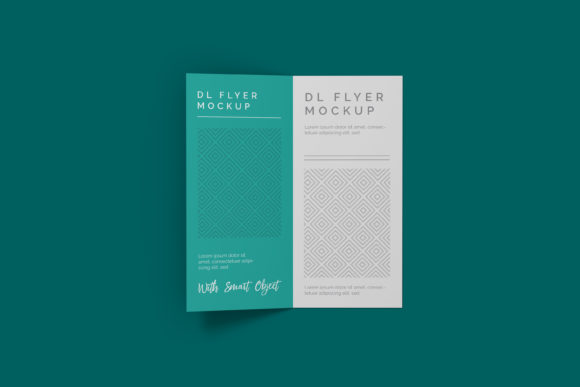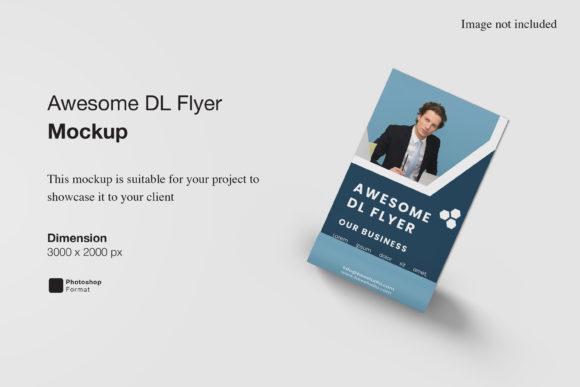
Flyer Mockup V3: Realistic, Flexible & Ready to Use
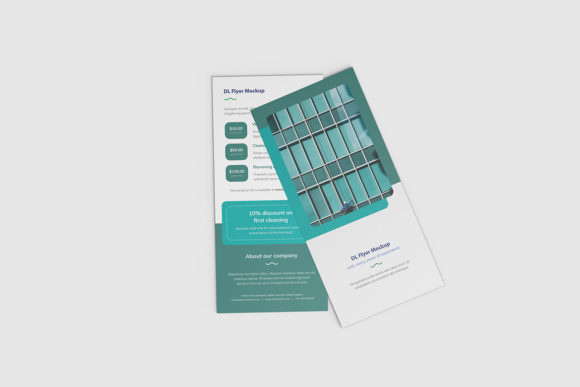
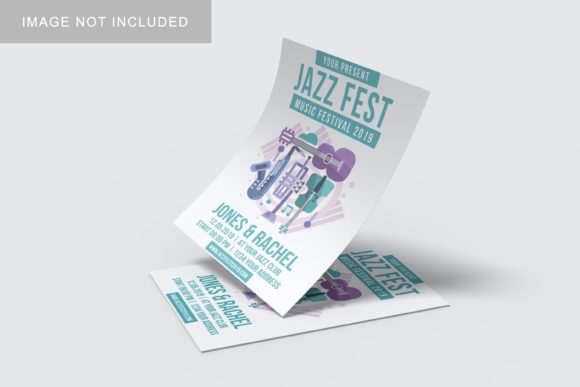
Imagine handing a client a flyer design—and watching their eyes light up not just at the layout or colors, but at how convincingly it’s presented in context: pinned to a weathered brick wall, held by a smiling local business owner, or stacked neatly on a café counter. That’s the quiet power of Flyer Mockup V3. It’s not just a template—it’s a high-fidelity visual placeholder that turns flat designs into tangible, atmospheric scenes. Built with updated lighting models, smarter shadow casting, and broader device and environment options, Flyer Mockup V3 bridges the gap between “designed” and “experienced.”
Why Context Matters More Than You Think
A flyer isn’t judged in isolation. Customers scan it while rushing past a bulletin board. Clients evaluate it beside real-world marketing materials. Investors assess it as part of a broader brand rollout. Flyer Mockup V3 answers that need for realism—not by replacing design skill, but by grounding ideas in shared visual language. It helps viewers instantly grasp scale, tone, placement, and audience fit—without needing a photoshoot, studio time, or 3D rendering expertise.
Beginners & Learners: Low-Pressure Practice
If you’re just learning Canva, Photoshop, or Figma, Flyer Mockup V3 is a gentle on-ramp. You don’t need to master perspective grids or layer masks to show how your first event flyer looks on a community center bulletin board. Drag your design into the smart object layer, adjust brightness if needed, and export. No tutorials required—just intuitive feedback. For students or hobbyists building portfolios, it adds polish without pressure.
Freelancers & Small Business Owners: Credibility in Seconds
When quoting a local bakery on a weekend farmers’ market flyer, sending a mockup embedded in a rustic wooden stand says more than a JPEG on white background. Freelancers use Flyer Mockup V3 to shorten revision cycles: clients approve faster when they see the design *in situ*. One graphic designer told us she cut client back-and-forth by 60% after switching from flat previews to contextual mockups—including Flyer Mockup V3’s café table and storefront window variants.
Marketers & Content Creators: Consistency Across Campaigns
For teams running seasonal promotions—back-to-school, holiday sales, wellness challenges—Flyer Mockup V3 supports batch customization. Swap designs across five scene variations (wall, hand-held, counter, kiosk, chalkboard) using the same branding assets. That means one design can preview how it performs in high-traffic indoor vs. outdoor settings—helping marketers anticipate legibility, color contrast, and emotional resonance before printing a single copy.
Educators & Nonprofits: Clarity Without Cost
Teachers designing literacy posters, community centers promoting workshops, or volunteers organizing neighborhood cleanups often work with tight budgets and limited tech access. Flyer Mockup V3 runs natively in free or widely available tools (like Photopea or Affinity Photo), requires no subscription, and includes clear, labeled layers. Its minimal learning curve means a PTA member can prep a library fundraiser flyer mockup during a 20-minute lunch break—and share it with stakeholders via Google Drive.
Agency Designers & Brand Teams: Speed Meets Sophistication
Experienced designers care less about “how to use it” and more about *how well it holds up under scrutiny*. Flyer Mockup V3 delivers here: 4K resolution outputs, non-destructive layer organization, realistic material textures (matte paper, glossy laminate, recycled stock), and subtle ambient occlusion that avoids the “floating” look common in older mockups. When presenting to senior stakeholders, that fidelity signals professionalism—and reduces requests for “make it look more real.”
What to Consider Before You Choose
Flyer Mockup V3 isn’t one-size-fits-all. Your priorities shape whether it’s the right tool for *your* next project:
- Ease of use: If you regularly switch between tools or support team members with varying software access, check compatibility—Flyer Mockup V3 works in Photoshop (.psd), Figma (.fig), and some web-based editors with smart object support.
- Flexibility: Need to rotate, tilt, or cast custom shadows? Some versions include editable 3D layers or perspective grids; others are fixed-angle. Review the included scenes—do they match where your audience will actually encounter the flyer?
- Commercial safety: All assets in Flyer Mockup V3 are license-cleared for client work, resale, and printed campaigns—as long as your final design doesn’t infringe third-party IP. No hidden attribution requirements.
- Long-term value: Unlike disposable online mockup generators, Flyer Mockup V3 files stay usable across software updates. You own them. That matters if you’re building a personal design system or agency resource library.
Real Examples, Real Decisions
A yoga studio owner used Flyer Mockup V3’s “wooden bulletin board” scene to test two color palettes side-by-side—then chose the warmer option because it looked more inviting against natural grain. A university communications team dropped their orientation week flyer into three Flyer Mockup V3 environments (dorm hallway, student union kiosk, campus bus shelter) to confirm readability at different distances. A freelance illustrator added her gig flyer to the “hand-held” variant—then shared the result on Instagram Stories, where engagement spiked 3x versus flat image posts.
Does Flyer Mockup V3 Fit Your Workflow?
Ask yourself:
- Do you regularly share flyer concepts with people who aren’t designers? (If yes, context builds trust.)
- Do you print or distribute flyers in physical spaces—or rely on digital shares that mimic real-world placement? (If yes, realism improves comprehension.)
- Do you value reusable, offline-friendly assets over browser-based tools that require logins or internet access? (If yes, Flyer Mockup V3’s file-based nature is a strength.)
- Are you investing time in refining visuals—not just layout, but mood, texture, and setting? (If yes, its updated lighting and material options reward attention to detail.)
It won’t replace thoughtful design—but it does honor the effort behind it. Whether you're sketching your first flyer on paper or leading a rebrand for a regional nonprofit, Flyer Mockup V3 meets you where you are: practical, respectful of your time, and quietly effective.