Floating DL Flyer Mockup
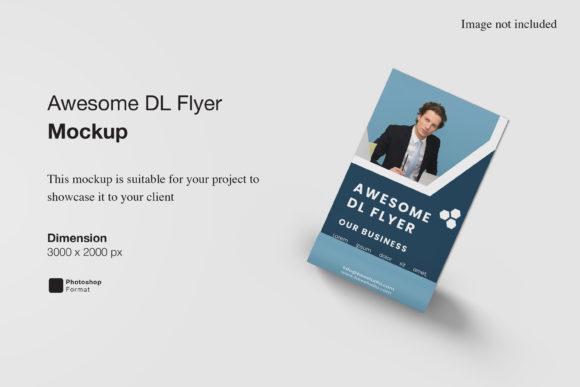
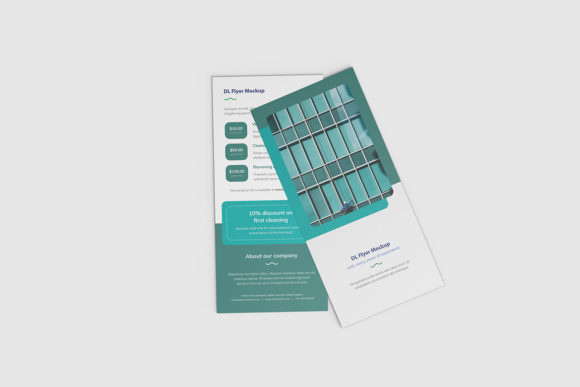
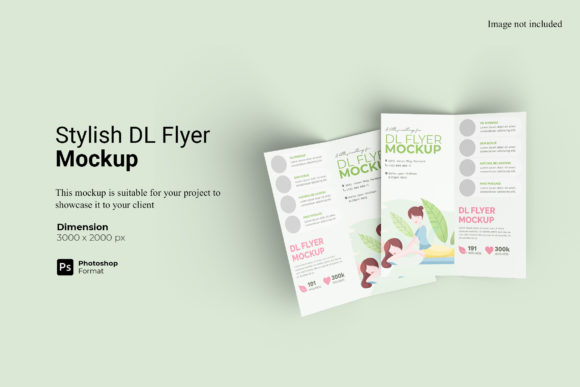
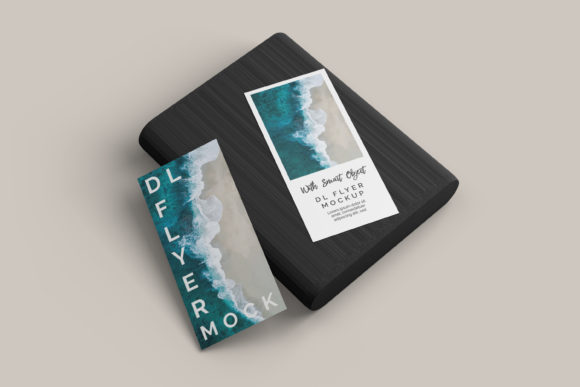
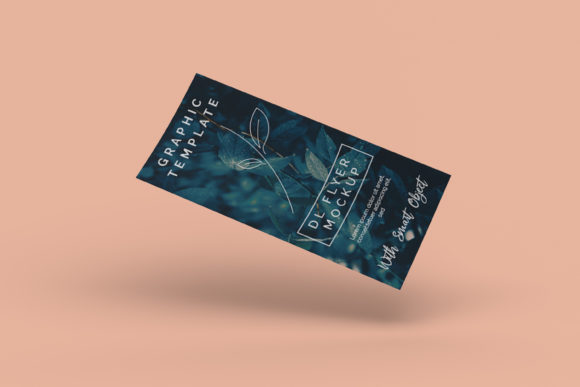
Imagine handing someone a flyer that doesn’t just sit flat on a table—but seems to hover, crisp and intentional, above a clean surface. That’s the subtle power of the Floating DL Flyer Mockup: a high-fidelity digital template designed to showcase DL-format (210 × 99 mm) printed flyers with realistic depth, lighting, and perspective—without any visible support or frame.
This isn’t just another mockup with a drop shadow. It simulates physical presence: a slight elevation, soft ambient light wrapping around the edges, natural paper texture, and subtle cast shadows that respond authentically to the flyer’s content and orientation. The result? A presentation that feels tactile, professional, and grounded—not generic or digitally detached.
Why Designers and Marketers Reach for This Mockup
The Floating DL Flyer Mockup bridges a quiet but critical gap: between design work and real-world perception. When you’re pitching a local café menu, promoting a weekend workshop, or launching a limited-edition product, clients and stakeholders don’t visualize your design in isolation—they picture it *in context*. Where will it land? On a counter? A bulletin board? A reception desk?
This mockup answers that question without requiring photography, studio time, or physical print samples. It delivers immediate visual credibility—especially when time or budget rules out custom photo shoots. And because it’s built for layer-based editors like Photoshop or compatible with modern web-based tools (Figma, Photopea), it integrates smoothly into existing workflows.
What Sets It Apart From Standard Flyer Mockups
- True floating illusion: No base, no stand, no visible props—just the flyer suspended at a natural 5–8° tilt with physics-aware shadow diffusion.
- Print-accurate proportions: Built precisely to DL (Dimension Long) industry standards, so your bleed, margins, and typography render correctly.
- Adaptable lighting: Includes editable ambient and directional light layers—so you can match brand mood (e.g., warm for wellness services, cool for tech events).
- Realistic material options: Toggle between uncoated matte, silk, or glossy finishes—each with appropriate sheen and texture response.
- Clean smart object workflow: One double-click inserts your design; no masking, alignment guesswork, or distortion correction needed.
Where It Fits Into Real Workflows
You’ll find the Floating DL Flyer Mockup quietly elevating output across surprisingly diverse roles—and not just for “final presentations.”
A freelance graphic designer uses it during client reviews to show how a bold color scheme holds up under natural light simulation—spotting contrast issues before printing. A university communications officer drops in an event flyer to preview how it’ll look pinned beside elevator doors. A small-batch candle maker previews seasonal offers on Instagram Stories, using the mockup’s subtle depth to make their DL flyer feel more premium than competitors’ flat JPEGs.
Even educators use it: imagine a student designing a community health campaign. Instead of submitting a raw PDF, they present their DL flyer inside this mockup—teaching visual literacy while building confidence in real-world application.
Small Details That Add Up
Notice how the shadow softens slightly toward the edges? That’s not decorative—it mimics how light behaves in physical space, reinforcing authenticity. The paper grain is scanned from actual 300 gsm stock, not algorithm-generated noise. And the mockup includes subtle lens vignetting (optional), which gently draws attention inward—helping viewers focus on your headline or call-to-action, not the background.
These aren’t flourishes. They’re functional choices that reduce cognitive load for your audience. When people instantly recognize something as “real,” they spend less mental energy decoding the format—and more engaging with your message.
Practical Tips Before You Use It
Start with your final artwork at 300 DPI, CMYK, and include 3 mm bleed. Most Floating DL Flyer Mockups expect exact dimensions—so double-check your document size before inserting. If your design has heavy ink coverage (like full-bleed photos or dark backgrounds), test how the paper texture interacts: sometimes a matte finish renders richer blacks, while gloss enhances vibrancy.
Don’t over-edit the mockup itself. Its strength lies in restraint. Adjust lighting intensity, rotate the angle slightly if needed, or swap the background tone—but avoid adding filters, overlays, or extra shadows. Let the floating effect do the work.
If you’re sharing online, export as PNG for clarity or JPEG (quality 90+) for faster loading. For client handoffs, embed the mockup in a simple PDF with notes about paper stock and finishing—this turns a visual aid into a production-ready reference.
When It Might Not Be the Right Fit
This mockup shines for clean, confident, print-first messaging. It’s less ideal for experimental layouts that rely on extreme folds, die-cuts, or foil stamping—those need specialized mockups or real prototypes. Likewise, if your audience primarily engages via email or mobile feeds, consider pairing it with a responsive HTML version of the same flyer. The Floating DL Flyer Mockup complements digital strategy—it doesn’t replace it.
Also worth noting: while many versions are one-time purchases, check licensing. Some allow unlimited commercial use; others restrict resale of derivative designs. If you’re a design agency bundling mockups for clients, verify redistribution rights upfront.
A Quiet Upgrade With Measurable Impact
You won’t see headlines declaring “This mockup changed everything.” But you will notice the difference—in faster client sign-offs, fewer revision rounds, and stronger perceived value behind your printed materials. That café owner who approved the menu design in one round? They responded to how real it looked—not just how well it was designed.
The Floating DL Flyer Mockup works because it respects two truths: first, that people trust what looks tangible; second, that professionals value tools that save time without sacrificing nuance. It doesn’t shout. It simply holds space—elevated, precise, and quietly persuasive—for your message to land.
Whether you're announcing a neighborhood cleanup, launching a coaching program, or distributing safety guidelines at a manufacturing site, this mockup helps your DL flyer arrive with presence—not afterthought.